
Who Fixes Ring Cameras and Video Doorbells Near Mountain View and Half Moon Bay?
Short answer: we do. Matt's Computer Repair sets up and troubleshoots Ring, Google Nest, and eufy cameras and video doorbells, and we come to you — Mountain View, Palo Alto, Sunnyvale, Los Altos, and over the hill to Half Moon Bay, Pacifica, Montara, Moss Beach, El Granada, and Princeton-by-the-Sea. No extra charge for the coast.
If you searched for this, you probably found a page of film-camera shops and do-it-yourself guides. That's because most people who work on these devices call it "smart home help," not "camera repair." Here's what we actually do.
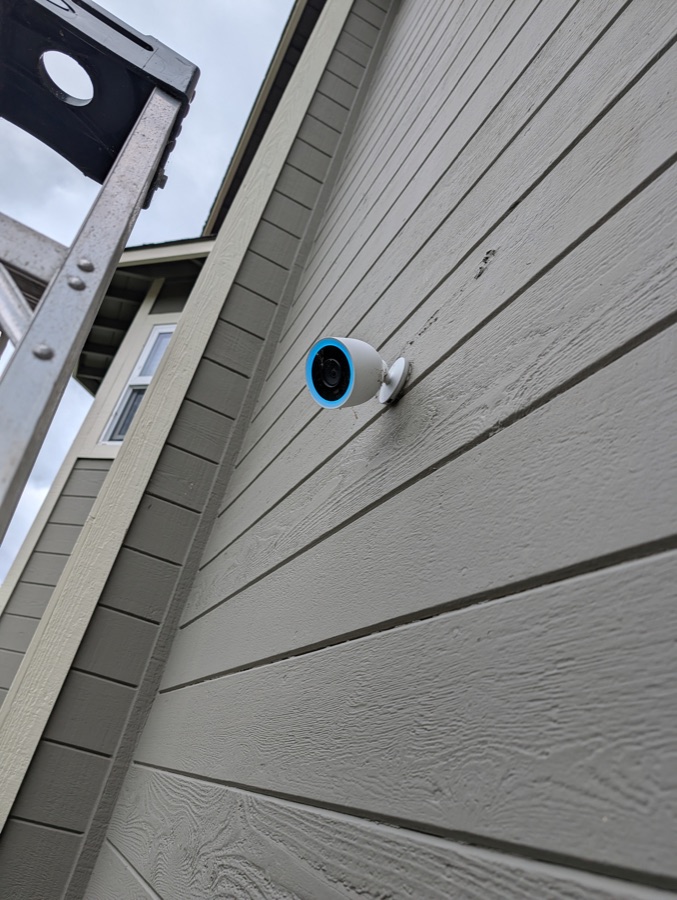
A Nest outdoor camera we mounted and set up on a client's house.
What we help with
- New camera or doorbell still in the box. We mount it, get it on your Wi-Fi, set up the app on your phone, and make sure the alerts and recording actually work before we leave. We've done this for Ring cameras, a Google Nest camera, and a video doorbell.
- A camera or doorbell that used to work and doesn't anymore. Offline, not recording, not sending alerts, app signed out, "live view" that never loads. We find the real cause and fix it.
- The app side of a bigger install. If a new doorbell needs low-voltage wiring, an electrician does the wiring and we handle everything on the phone and network side. We did exactly this on a eufy lights-and-video setup: the electrician handled the wiring, we did the pairing and app configuration. It works well — each person does the part they're good at.
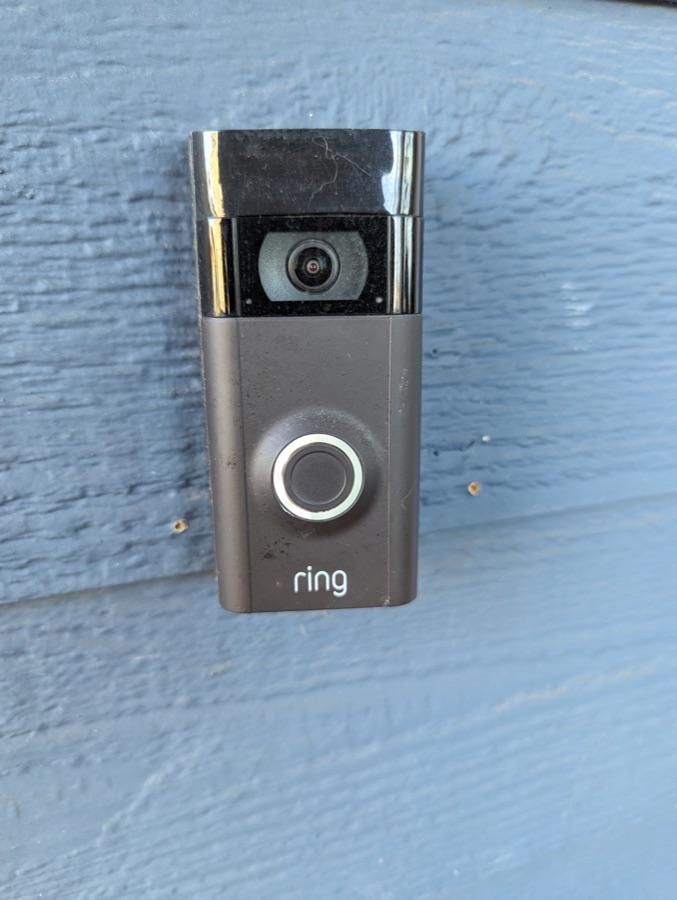
A Ring doorbell from one of our setups.
What we don't do
We don't run new low-voltage wiring ourselves. If your install needs it, we'll say so up front and you'll want an electrician for that piece. We're happy to work alongside them.
What we check first when one goes dark
More often than not, the camera isn't broken — something around it is. The first things we look at:
- Does the Wi-Fi actually reach the porch? A camera at the far end of the house is often sitting in a dead spot. Sometimes the fix is moving the router or adding an access point, not touching the camera at all.
- Is it getting power? A drained battery, or a plug that got bumped.
- Did the app get signed out, or the account tangled? Two-factor codes, a changed phone, a shared login that stopped working.
- Did the recording plan lapse? A camera that "stopped saving video" often has a subscription that quietly ended.
- Is it genuinely dead? It happens. If so, we'll tell you straight, and if you get a replacement we'll set it up.
What a visit looks like
- Call or text us and describe what the camera is doing — a photo or a short screen recording of the app helps us prep before we arrive.
- We look it over on-site, figure out what's actually wrong, and walk you through it in plain English before any fix starts.
- We'll walk you through the cost before any work starts, including our service minimum. If parts turn out to be needed, we'll quote those once we're into the job — no surprises. Once you're good with it, we make the fix and test everything from your phone before calling it done.
Cameras and doorbells are part of our smart device help, alongside Roku, Chromecast, Apple TV, and the rest of the gadgets that stop cooperating. More answers on the FAQ page.
Call or text (650) 248-2570.