PC, Mac & Chromebook Repair
Laptop and desktop repair, usually right at your house — Windows PCs, Macs, and Chromebooks. Virus removal, hardware upgrades, data recovery, and the everyday headaches in between. Serving Mountain View, Palo Alto, Los Altos, and Sunnyvale, and over the hill in Half Moon Bay and Pacifica.
What We Fix
Slow Computers & Virus Removal
Malware, spyware, and the everyday buildup that makes a computer frustrating to use. We clean it out and get it running like new again.
Hardware Repairs & Upgrades
SSD and RAM upgrades, battery replacements, screen and keyboard repairs. Faster boot times, longer battery life, and fixes for the parts that wear out.
Data Recovery & Transfer
Recovering files from a drive that won't boot, or moving everything to a new computer without losing anything — photos, documents, logins, all of it.
Email, Printers & Everyday Headaches
Outlook or Gmail that stopped working, an HP, Canon, or Brother printer that says offline, a program that won't open. The small stuff that eats an afternoon — we sort it out and show you what changed.
Recent Jobs
A few examples of the kind of work we do — virus removal, hardware upgrades, and Chromebook repairs.
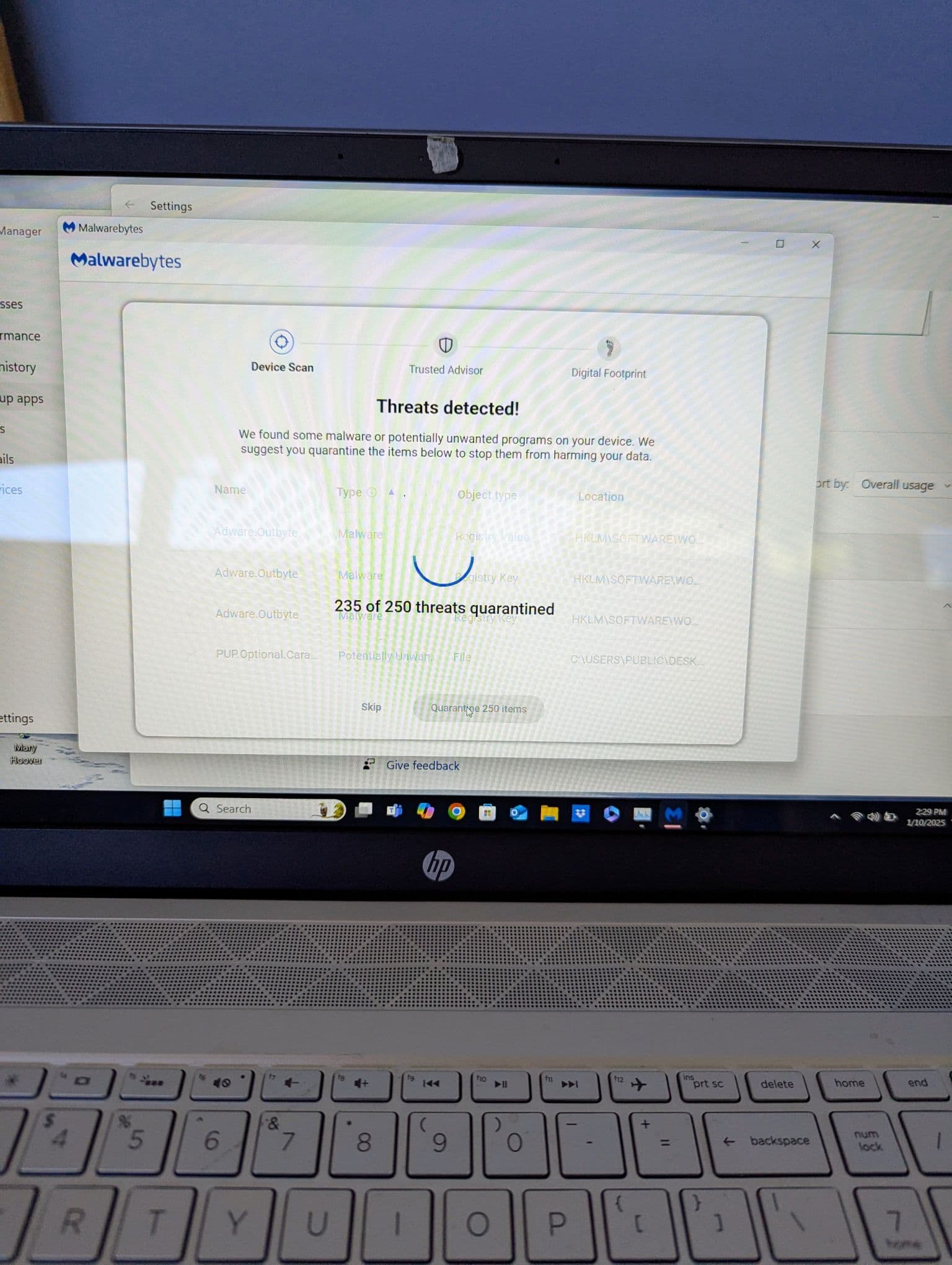
Malware & virus removal
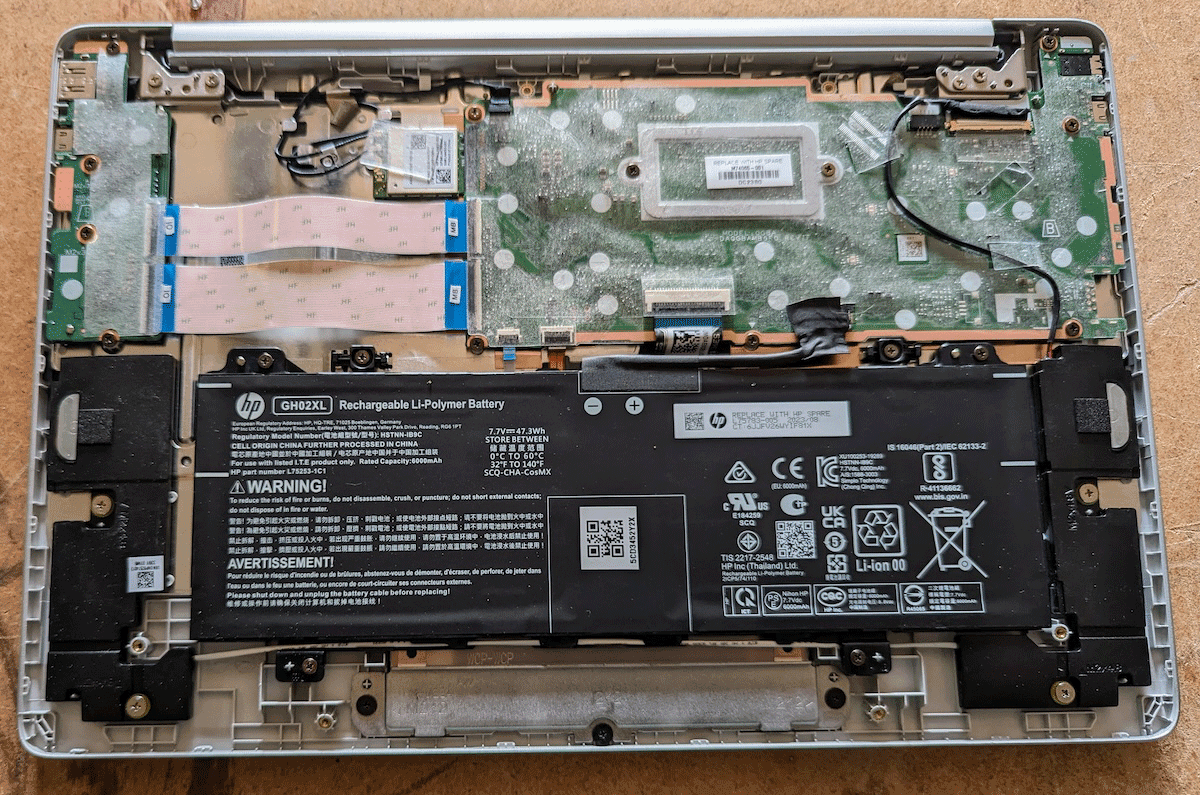
Chromebook repair inspection
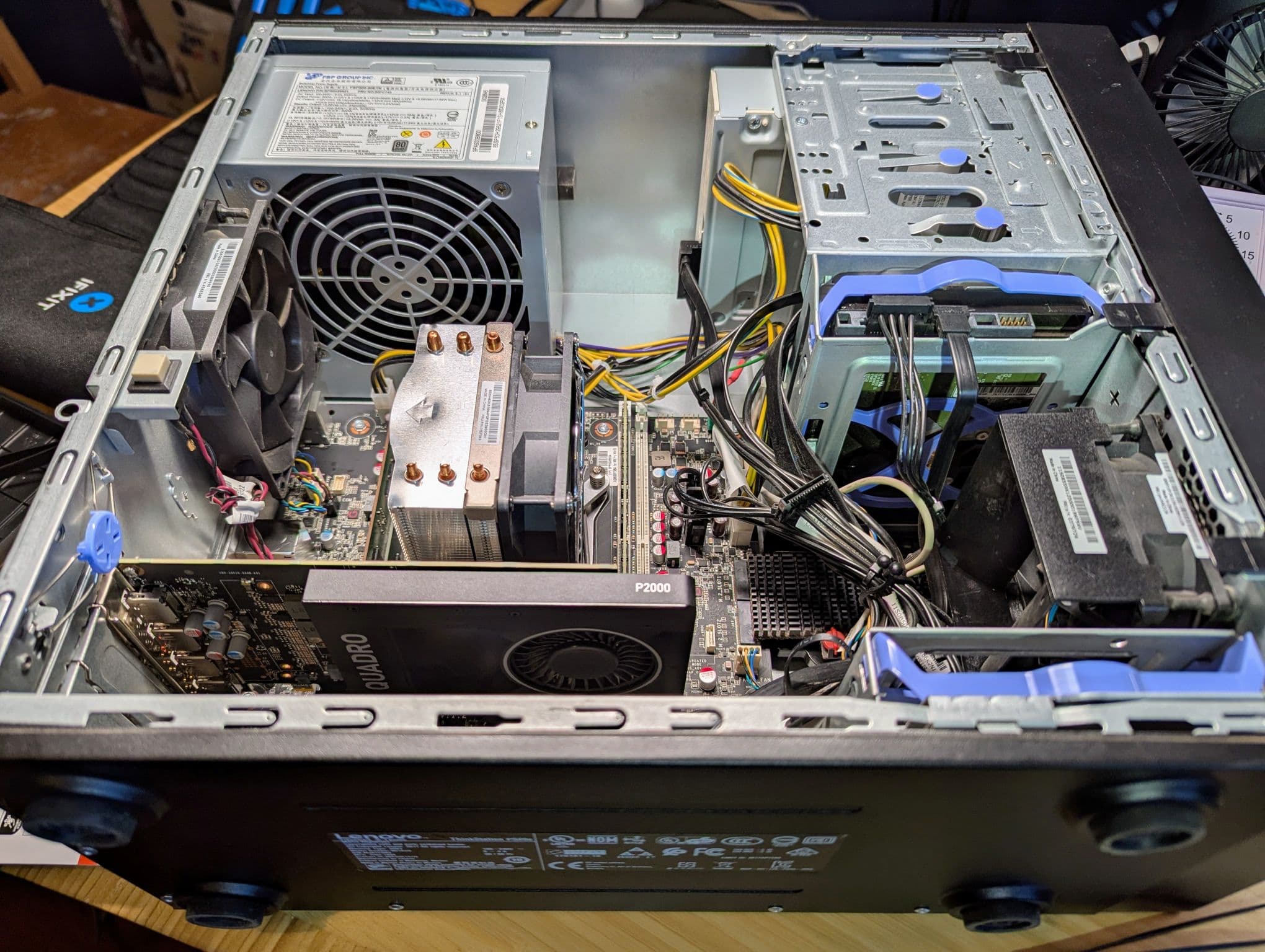
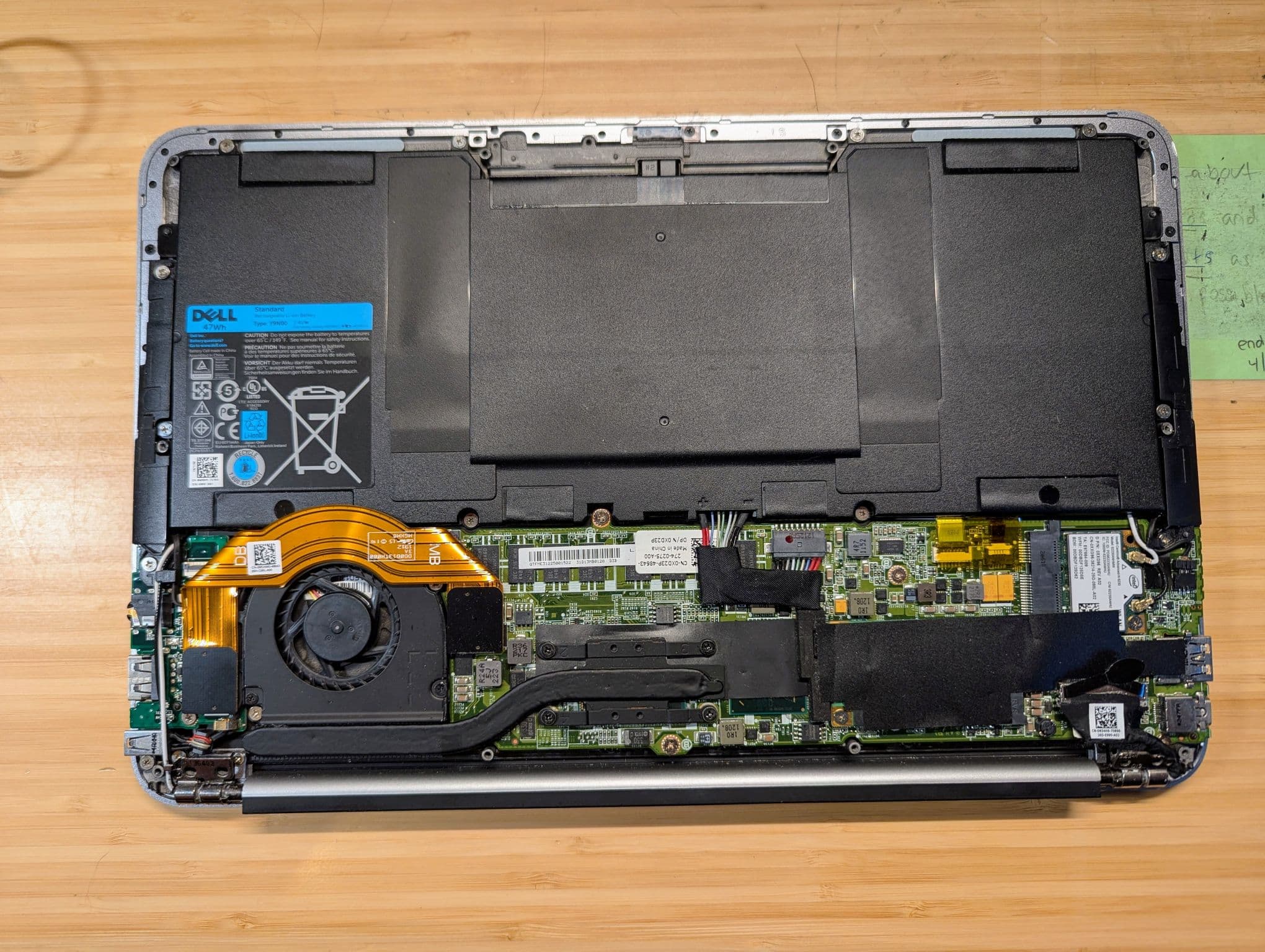
SSD upgrade for faster boot times
What a Typical Job Looks Like
- 1
Call or text us and describe what the computer is doing — slow, crashing, won't turn on, whatever it is.
- 2
We look it over, figure out what's actually wrong, and walk you through it in plain English before any repair starts.
- 3
We'll walk you through the cost before any work starts, including our service minimum. If parts turn out to be needed, we'll quote those once we're into the job — no surprises. Once you're good with it, we make the repair and test the computer before calling it done.
Questions People Ask Us
My computer is really slow. Is it worth fixing, or should I just buy a new one?
That depends on the machine, and we'll give you a straight answer either way. Plenty of slow computers just need malware cleaned out or a solid state drive put in, and they feel new again for a fraction of the cost of replacing. Others are genuinely at the end of the road, and we'll say so rather than sell you a repair that isn't worth it.
Do you come to my house?
Yes. And it's Matt who shows up — the same person you talked to on the phone. Most of our work happens on-site at your home, where the computer, printer, or Wi-Fi problem actually lives. Some problems we can solve remotely instead and save you the visit. Either way, the first phone call is free — tell us what's going on and we'll tell you which approach makes sense and what it involves before any work starts.
How much does it cost?
It depends on the job, so we start with a free phone conversation — tell us what's going on and we'll give you an honest sense of the work involved before we schedule anything. There is a service minimum for a visit, and we'll walk you through it before any work starts. If parts turn out to be needed, we'll quote those once we're into the job. No surprise charges. Internet installation (like Starlink) and whole-home Wi-Fi work are separate services, priced separately.
Serving the Coastside & Bay Area
We have family and friends on the coast and we're over there regularly on weekends anyway. No extra charge for coming over the hill — honestly, we enjoy the drive.
Mountain View, Palo Alto, Sunnyvale, Los Altos, Half Moon Bay, Pacifica, Montara, Moss Beach, El Granada, Princeton-by-the-Sea, and surrounding communities.